
 English
 Spanish
WhatsApp Safety for Parents: 2026 Guide
Posted in Parental Control by admin
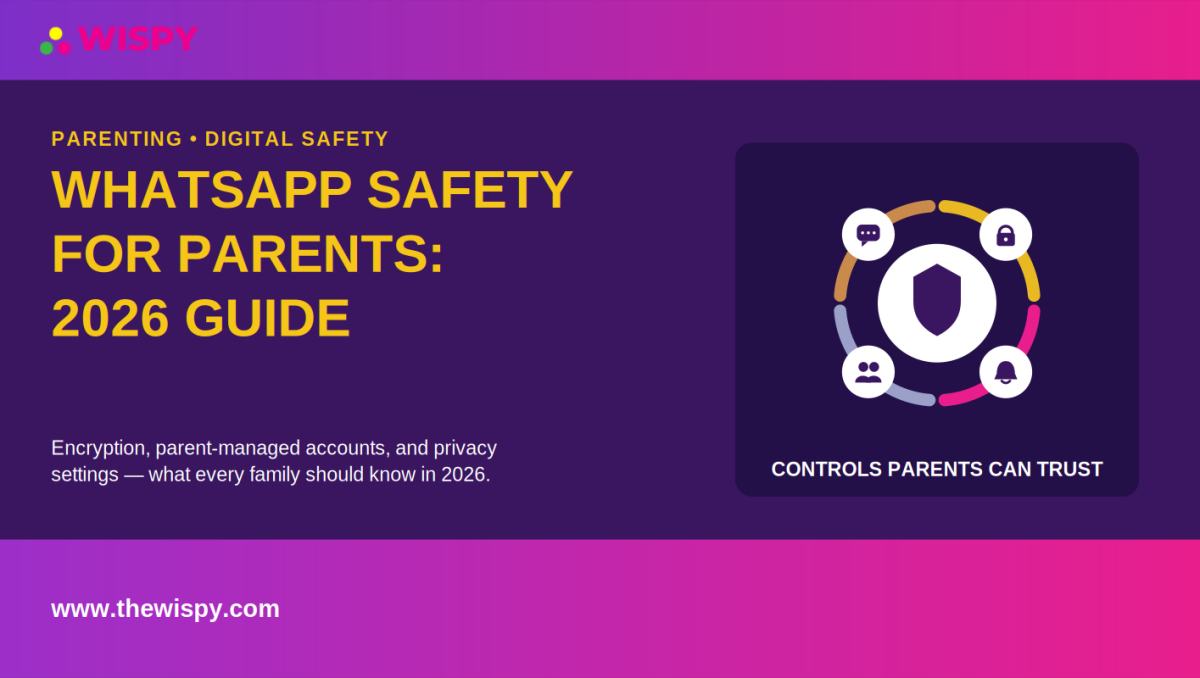
WhatsApp safety for parents has become more important as children and teenagers increasingly use messaging apps to communicate with friends and family. WhatsApp is introducing parent-managed accounts for younger children, adding built-in controls over contacts, privacy settings, and certain account activity. However, parents still need to understand what WhatsApp can control and where additional device-level safety measures may help.
WhatsApp’s parent-managed accounts are rolling out gradually and may not be available in every region yet. The feature is designed for children under 13, or an older minimum age where local requirements apply. Parents should therefore check the latest WhatsApp guidance before setting up an account. Our parental control guide also covers broader ways parents can approach children’s digital safety.
This guide explains WhatsApp safety for parents in 2026, including parent-managed accounts, end-to-end encryption, privacy settings, screen-time controls, group chats, and practical steps you can take to create a safer messaging experience.
WhatsApp Safety for Parents: What’s New in 2026?
WhatsApp is rolling out parent-managed accounts for children under 13, or the higher age required in a particular country or region. These accounts allow children to use WhatsApp for messaging and calling while giving parents additional control over privacy settings, contacts, and certain account activity.
WhatsApp says parent-managed accounts are designed to focus on messaging and calling. Several features are unavailable on these accounts, including Channels, Status, Meta AI, Chat Lock, App Lock, Linked Devices, Location Sharing, View Once messages, and disappearing messages in individual chats.
Parents should remember that the rollout is gradual. Availability can depend on the region, device, and WhatsApp version, so keeping WhatsApp updated and checking the official Help Center is important.
How Parent-Managed WhatsApp Accounts Work
Parent-managed accounts give parents control over several privacy and contact settings. By default, only saved contacts can message or call a managed account, and parents control important privacy settings.
WhatsApp also sends parents notifications about certain account activity, such as a contact being added or a new message request. Parents can manage message requests and group-related settings from the parent account.
When a child reaches 13, or the higher applicable age in their region, WhatsApp says parents or guardians receive a notification to transition the account out of the parent-managed system. The account can then access WhatsApp features without those parental controls.
WhatsApp Safety for Parents and End-to-End Encryption
One of the most important things parents should understand about WhatsApp is end-to-end encryption. Personal messages and calls are protected so that WhatsApp itself cannot read the content of those communications in transit. WhatsApp specifically states that personal messages on parent-managed accounts remain end-to-end encrypted.
This means WhatsApp does not provide parents with a built-in dashboard for reading the actual contents of private conversations.
What Does Encryption Mean for Parents?
Encryption provides an important privacy benefit, but it can also create confusion for parents who expect to see every message. WhatsApp’s parental controls focus on account privacy, contacts, requests, and activity notifications rather than giving parents access to decrypted conversation content.
Parents should therefore combine WhatsApp’s built-in controls with age-appropriate conversations about online safety. For additional information about protecting children online, see our guide to child online safety.
What WhatsApp’s Parental Controls Cover
WhatsApp’s parent-managed accounts provide several controls that can help parents create a safer environment for younger children.
- Contact controls: Parents can manage who can communicate with the child’s account.
- Privacy settings: Parents can control important account privacy settings.
- Message requests: Messages and group invitations from unknown contacts can require parent approval.
- Group controls: Parents control who can add the child to groups.
- Activity notifications: Parents receive alerts about certain important account activity.
- PIN protection: Parent controls use protected settings so children cannot independently change important restrictions.
WhatsApp says parent-managed accounts also limit access to several features that are available on standard accounts. Parents who want to understand the wider options available for managing a child’s device can also read our guide on setting parental controls on a child’s phone.
What WhatsApp’s Parental Controls Don’t Cover
Understanding the limitations is just as important as understanding the available controls.
- No complete message-content dashboard: WhatsApp’s end-to-end encryption prevents WhatsApp from reading personal messages.
- No universal screen-time system: Parents may need to use the phone’s operating-system controls to manage overall app usage.
- No complete internet safety solution: WhatsApp controls activity inside WhatsApp but cannot manage every website or application on a child’s phone.
- No protection from every online risk: Parents still need to discuss scams, bullying, inappropriate contact, and suspicious links.
- Limited age coverage: Parent-managed accounts are designed for younger children and transition out when the child reaches the applicable age.
- Parents who want to understand how WhatsApp location sharing works can read our guide on sharing live location on WhatsApp.
WhatsApp Safety for Parents: Privacy Settings to Review
Parents of teenagers who use standard WhatsApp should review privacy settings regularly. Even when a child does not use a parent-managed account, basic privacy controls can reduce unwanted contact and exposure.
Profile and Online Privacy
Review who can see information such as the profile photo, About information, and online status. Limiting unnecessary visibility can reduce the amount of personal information strangers can access.
Who Can Add Your Child to Groups
Group chats can introduce children to people they do not know personally. Review WhatsApp’s group privacy settings and talk with your child about leaving groups that make them uncomfortable.
Blocking Unwanted Contacts
If a person repeatedly sends unwanted messages or behaves inappropriately, blocking and reporting the account can help. Parents should also encourage children to tell a trusted adult when an interaction makes them feel unsafe. Learning to recognize broader online risks can also help; see our guide to signs of online grooming parents often miss.
WhatsApp Safety for Parents and Screen Time
WhatsApp’s own parental controls are not a replacement for device-level screen-time management. Parents who want to limit how long a child uses messaging apps should look at the controls built into the child’s phone.
- iPhone: Apple’s Screen Time provides tools for managing app usage and setting limits.
- Android: Google’s Digital Wellbeing provides tools for understanding and managing device usage.
Using device-level controls can help parents manage WhatsApp alongside other apps instead of trying to solve screen-time concerns within WhatsApp alone. For a broader age-based approach, see our 2026 guide to screen-time limits by age.
Should Parents Monitor WhatsApp Messages?
Whether parents need additional monitoring depends on the child’s age, maturity, family rules, and the specific safety concern involved.
For many families, privacy settings, screen-time controls, and regular conversations provide a good starting point. If there is a serious and specific safety concern, parents may consider broader device-level parental monitoring tools where legally appropriate.
Any monitoring approach should respect the child’s age and privacy while complying with applicable laws. Parents should also explain monitoring expectations clearly, particularly with teenagers. In many everyday situations, establishing clear expectations can be more appropriate than monitoring. Our guide to healthy phone rules for teens without spying covers this approach in more detail.
Device-Level Monitoring vs. WhatsApp Encryption
Parents sometimes assume that a monitoring tool must break WhatsApp’s encryption to see activity. That is not how legitimate device-level monitoring works.
End-to-end encryption protects communications while they travel between devices. Device-level tools, where legally authorized and technically supported, operate on the device rather than intercepting encrypted traffic between WhatsApp servers and users.
This distinction is important when evaluating parental monitoring technology.
A Practical WhatsApp Safety Checklist for Parents
Use this checklist when setting up WhatsApp for a child or reviewing an existing account.
- Check the child’s age and account type: Determine whether a parent-managed account is available and appropriate.
- Update WhatsApp: Use the latest available version to access newly released safety features.
- Review privacy settings: Check profile visibility, online status, groups, and contact permissions.
- Discuss group chats: Explain that group members may include people your child does not know personally.
- Enable device-level screen-time controls: Use the phone’s built-in tools if you need usage limits.
- Explain blocking and reporting: Make sure your child knows how to handle unwanted contact.
- Talk about suspicious links: Teach children not to open unexpected links or share passwords and verification codes.
- Review safety together: Make digital safety an ongoing conversation rather than a one-time setup task.
- Consider additional monitoring only when appropriate: Use broader monitoring tools only when you have the legal authority and a genuine safety reason.
Common WhatsApp Safety Risks for Children
Unknown Contacts
Children may receive messages from people they do not know. Encourage your child to avoid sharing personal information and to report uncomfortable interactions.
Group Chat Risks
Group conversations can move quickly and may expose children to unfamiliar people or inappropriate content. Parents should discuss what their child should do if a group becomes uncomfortable.
Scams and Phishing
Scammers can use messages to persuade users to click links, provide verification codes, or send money. Teach children to treat unexpected requests with caution. Parents can also learn more about message-based scams in our guide to smishing and how it can affect families.
Cyberbullying
Messaging apps can become a channel for bullying. Watch for significant changes in behavior, mood, sleep, or willingness to use the phone, and encourage children to talk to a trusted adult. For more detail on different forms of online bullying, see our guide to what counts as cyberbullying.
Frequently Asked Questions About WhatsApp Safety for Parents
Can parents read their child’s WhatsApp messages through WhatsApp?
No. WhatsApp’s end-to-end encryption means personal messages are protected from being read by WhatsApp itself. Parent-managed accounts provide controls over contacts, privacy settings, message requests, and certain account activity rather than a parent dashboard for reading every private message.
Is WhatsApp safe for children under 13?
WhatsApp is introducing parent-managed accounts specifically for children under 13, or the higher age required in some regions. These accounts provide additional parental controls and restrict several features. Availability is rolling out gradually, so parents should check the latest WhatsApp guidance in their region.
What happens when a child turns 13?
WhatsApp says parents or guardians receive a notification when a child reaches 13, or the higher applicable age. The account can then transition out of the parent-managed system and gain access to WhatsApp features without those parental controls.
Can parents limit WhatsApp screen time?
WhatsApp’s parent-managed accounts are not a complete screen-time management system. Parents who want usage limits should consider the screen-time controls available through the child’s iPhone or Android device. Our screen-time guide for parents provides additional guidance on creating balanced device-use habits.
Does blocking someone on WhatsApp block them everywhere?
No. Blocking a contact on WhatsApp only affects communication through WhatsApp. If a child is experiencing harassment or unwanted contact across several platforms, parents should review the child’s privacy and blocking settings on those services as well.
Should parents use monitoring apps for WhatsApp?
Not every family needs additional monitoring. Start with WhatsApp’s privacy controls, device-level safety settings, and open communication. If a serious safety concern requires additional oversight, consider a device-level monitoring solution only when you have the legal authority to use it and understand the privacy implications.
Final Verdict: Building Better WhatsApp Safety for Parents
WhatsApp safety for parents is no longer limited to basic privacy settings. Parent-managed accounts give families additional controls for younger children, while standard privacy settings, device-level screen-time tools, and good digital-safety habits can help protect older children and teenagers.
The most important step is to understand what each layer can and cannot do. WhatsApp’s end-to-end encryption protects private communications, but it also means parents should not expect WhatsApp to provide a dashboard for reading message content.
For most families, the best approach combines appropriate WhatsApp settings, device-level controls, education about online risks, and ongoing conversations. When a specific safety concern requires additional oversight, choose any monitoring technology carefully and use it only within applicable legal and privacy requirements.
For the latest information about parent-managed accounts, privacy settings, and available features, consult the official WhatsApp Help Center. You can also explore our parental control resources for more guidance on keeping children safer online.

Related Posts
Mirror Your Child’s Phone: A Safe Guide
How to Mirror Your Child's Phone to Yours: A Safe...
Read More
Block Adult Content on Your Child’s Phone: 3 Easy Ways
How to Block Adult Content on Your Child’s Phone Is...
Read More
Parental Controls on Your Child’s Phone: Easy Guide (2026)
Setting up parental controls on your child's phone is one...
Read More
Install TheWiSpy Monitor App Now and Start Exploring Your Kid’s and Employee’s Digital Space
- Protect Your Kids
- Secure Your Business
- Backup Personal Data

 Affiliate Login
 Spanish