
 English
 Spanish
Screen Time Limits by Age: 2026 Guide for Parents
Posted in Parental Control by admin
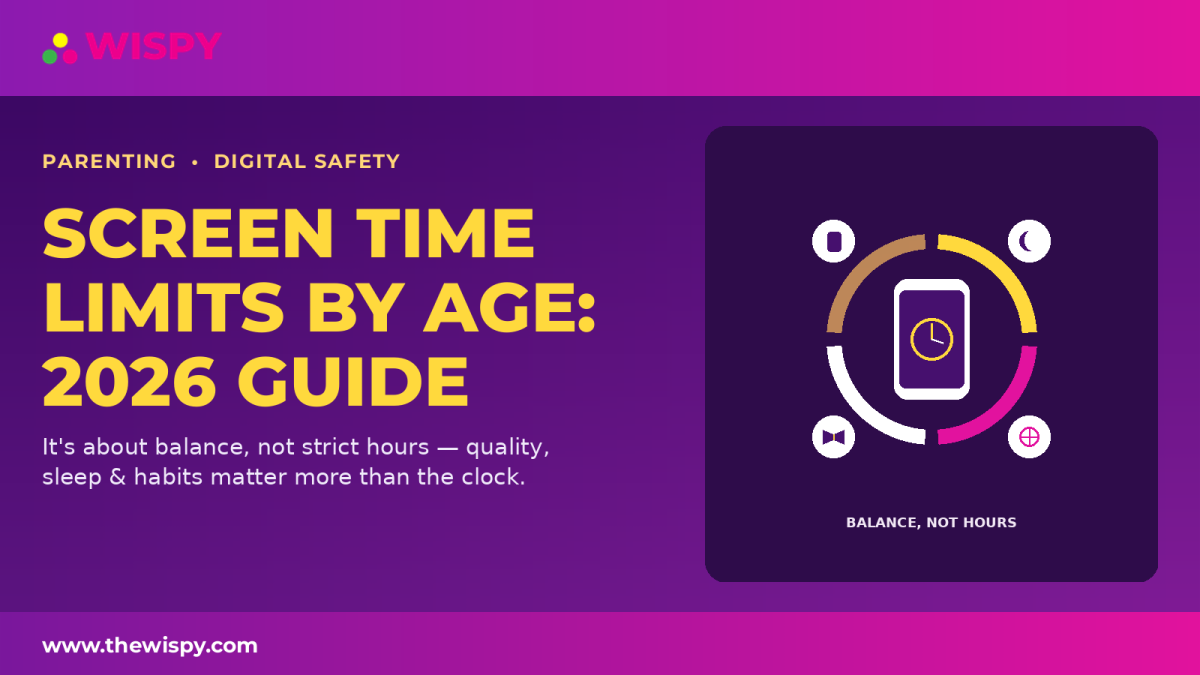
Screen time limits by age have changed in 2026. Instead of strict hourly caps, experts now focus on quality, context, and balance. What your child watches and what screen time replaces can matter more than the total time. For a complete overview, read our phone monitoring guide. Previously, many families followed a simple two-hour rule. However, experts found that not all screen use is equal. Educational content and video calls, for example, can provide more value than passive scrolling. As a result, newer guidance focuses on how children use screens rather than only how long they use them. Instead of counting minutes alone, parents can evaluate these five factors: At this stage, avoid screen use except for video chatting. This can support healthy development and parent-child interaction. For younger children, limit screen use to about one hour daily. Co-viewing can also help children understand and learn from what they watch. For school-age children, focus on balance. Make sure screens do not replace homework, outdoor play, family time, or sleep. Teenagers may not need a strict daily limit. However, consistent habits still matter. Removing screens from bedrooms at night can help protect sleep. Also, read our guide on talking to teens about phone use for practical tips. Although specific recommendations have changed, some basics remain the same. Protect sleep, encourage physical activity, and prioritize family time without screens. If you’re unsure how to create boundaries without making your child feel constantly monitored, read our guide on how to set healthy phone rules without spying. It offers practical ways to establish boundaries while maintaining trust. Parents who notice persistent problems with device use can also read our guide to signs of phone addiction in teens. Recognizing the warning signs early can help families address unhealthy phone habits before they become more disruptive. For more guidance, visit the American Academy of Pediatrics . No. Instead, focus on balance and healthy habits rather than a fixed number of hours. If screen use affects sleep, school, physical activity, relationships, or daily responsibilities, it may be excessive. Not exactly. Teens need more flexibility, but boundaries and routines are still important. Protect sleep. Consistent sleep routines can matter more than focusing on a specific daily screen-time number. In 2026, screen time is about balance rather than strict limits. By focusing on content, habits, sleep, and routines, families can create a healthier digital environment.Screen Time Limits by Age: Quick Guide
Why Screen Time Rules Changed
The 5 C’s Framework for Screen Use
Screen Time Limits by Age Explained
Under 18 Months
Ages 2–5
Ages 6–12
Teens (13+)
What Still Matters Most
How to Set Healthy Screen Limits at Home

Common Risks of Excess Screen Time
Frequently Asked Questions
Is there a strict daily screen time limit?
How can I tell if screen time is too much?
Should teens have unlimited access?
What screen time rule matters most?
Bottom Line

Related Posts

Parental Controls on Your Child’s Phone: Easy Guide (2026)
Setting up parental controls on your child's phone is one...
Read More
How to Enable YouTube and Google Restriction Mode?
YouTube and Google restricted mode helps parents filter inappropriate content...
Read More
Is It Possible to Turn Off Childs Cell Phone or Tablet Remotely?
Can You Turn Off Your Child's Phone or Tablet Remotely?...
Read More
Install TheWiSpy Monitor App Now and Start Exploring Your Kid’s and Employee’s Digital Space
- Protect Your Kids
- Secure Your Business
- Backup Personal Data

 Affiliate Login
 Spanish