
 English
 Spanish
Top Parental Control Apps for Android in 2026 | TheWiSpy
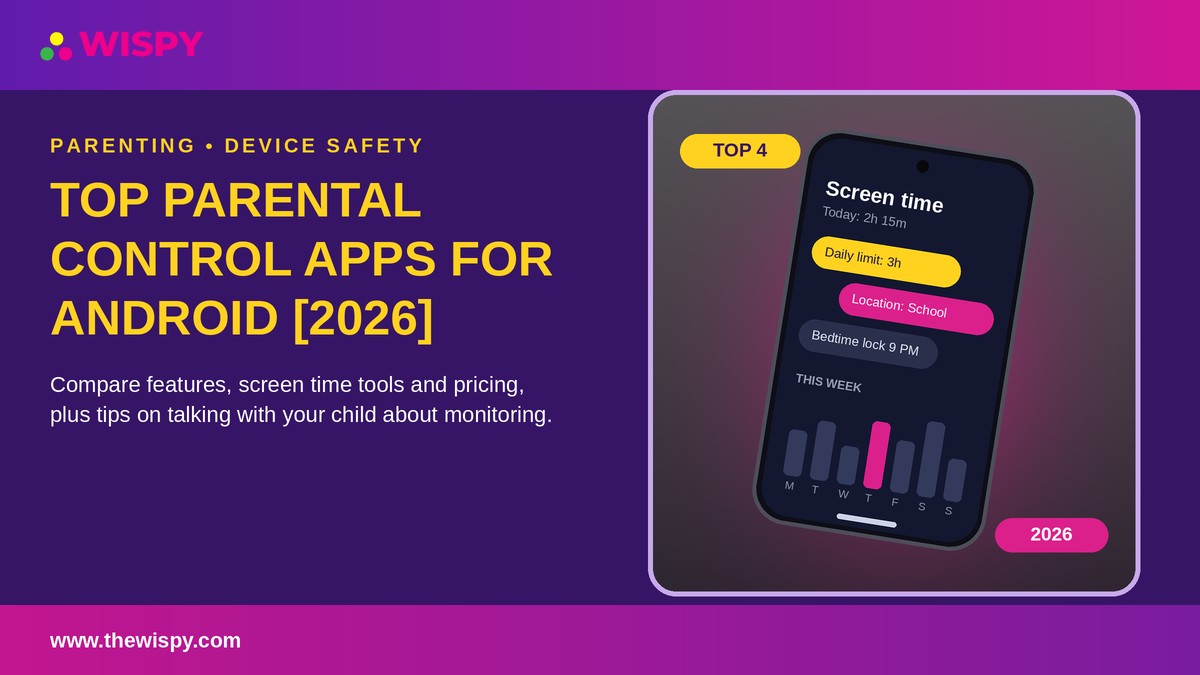
Are you looking for the top parental control apps for Android? Choosing one is hard because there are so many options, and each promises something different. In this guide, we compare four trusted tools so you can save time and pick the one that fits your family.
Here are the apps we cover:
- Norton Family
- TheWiSpy
- Google Family Link
- HoverWatch
- iKeyMonitor
Top Parental Control Apps for Android: What They Do
Parental control apps help you manage how your child uses their phone. Most let you set screen time limits, review activity, and check location. Moreover, the better ones encourage conversations about online safety instead of replacing them.
Threats such as cyberbullying, contact from strangers, and age-inappropriate content keep growing. As a result, more families look for tools that give them visibility without damaging trust.
Norton Family
Norton Family is a parental control service from a well-known cybersecurity brand. It offers web, time, and search supervision, location tracking, and an instant lock feature. In addition, kids can ask you to unblock a site, which starts a conversation. Read our full Norton Family review.
Best for: families who want a balanced, rules-based approach. Pricing changes, so check the official site [verify].
TheWiSpy
Here comes the leading Android Monitoring app with high-end monitoring features. TheWiSpy retains the top position in our 10 top-selling spy camera apps list because it delivers high-end spy camera features. Using an online control panel, you can send remote commands and activate the target’s device mobile camera any time you want. You can capture random pictures as well as record videos using TheWiSpy spy camera feature.
TheWiSpy is a premium mobile monitoring app with other quality features, including;
- Call Recording
- Surround Recording
- GPS Tracking
- SMS Monitoring
- App Monitoring
- Voice Message Recording
- And many more.
TheWiSpy Price:
Basic Package: Starts from 15.99 per month.
Premium Package: Starts from $25.99 per month.
Platinum Package: $33.99 per month.
Google Family Link
Google Family Link is a free tool for Android phones. It lets you set daily screen time limits, approve or block app downloads, and see your child’s location. Because it is built into the Android ecosystem, setup is simple.
Best for: younger children and parents who want free, basic controls. Check Google’s help pages for current features [verify].
HoverWatch
HoverWatch is a monitoring app for Android that tracks calls, texts, browsing history, social media activity, and GPS location. According to the official HoverWatch page, it should be set up with your child informed about the monitoring. Our HoverWatch review covers setup and limits in detail.
Best for: parents of teens who want detailed activity reports and will use them openly.
iKeyMonitor
iKeyMonitor combines monitoring with control. You can track messages and browsing, set screen time limits, block apps, and use geofencing alerts for places your child visits. A free basic plan is available, while advanced features may require rooting or jailbreaking [verify]. See our iKeyMonitor review for more.
Best for: families that want screen time and app blocking in one tool.
How to Choose a Parental Control App
Before you decide, check these points:
- Make sure the app supports your child’s phone and Android version.
- Compare features against what you actually need, such as screen time, location, or content filtering.
- Read recent customer reviews, and be careful of fake ratings.
- Confirm the pricing and refund policy before you pay.
- Avoid apps that require rooting or jailbreaking unless you understand the security trade-off.
- Look for responsive customer support.
Talk to Your Child First
Whatever app you choose, tell your child about it. An open conversation builds trust, and teens are more likely to come to you when something goes wrong. In many regions, informing the device user is also a legal requirement. Monitoring another adult without consent is illegal in many places. For general guidance, read the FTC’s advice on protecting kids online.
Top Parental Control Apps: Final Verdict
Overall, there is no single best app for every family. Norton Family and Google Family Link suit parents who want simple, transparent controls. HoverWatch and iKeyMonitor, on the other hand, offer more detailed reports for parents of teens. Therefore, start with your needs, try a free plan if one is offered, and talk with your child before you install anything.
READ ALSO: FamiSafe Review, Qustodio Review, TheWiSpy Review

Related Posts

Parental Control Apps: 10 Best Picks for Kids’ Safety [2026]
Parental control apps help you guide your children’s digital lives...
Read More
10 Top-Selling Call History Tracker Apps for Call Logs Monitoring
Call History Tracker Apps: Top Picks for Parents and Employers...
Read More
10 Best GPS Tracker Apps for Family Location Sharing
Looking for reliable GPS tracker apps to share locations with...
Read More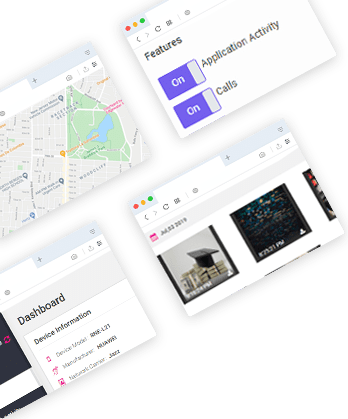
Install TheWiSpy Monitor App Now and Start Exploring Your Kid’s and Employee’s Digital Space
- Protect Your Kids
- Secure Your Business
- Backup Personal Data
 Affiliate Login

 Spanish