
 English
 Spanish
Parental Control Apps: 10 Best Picks for Kids’ Safety [2026]

Parental control apps help you guide your children’s digital lives without turning home into a battleground. Teens rarely volunteer details about their online routines, so many parents feel left in the dark. Fortunately, today’s tools let you set healthy limits, filter harmful content, and spot warning signs such as bullying early. The best part is that they work openly, so your child knows what is in place and why.
Because the market is crowded, choosing the right app can be confusing. For that reason, we compared ten trusted options by features, platform support, and ease of use. So, let’s get started.
What Are Parental Control Apps, and Why Do They Matter?
Parental control apps let parents manage how children use phones, tablets, and computers. Typical features include screen-time schedules, app and website filtering, and location sharing. In addition, many alert you to risky content, such as signs of cyberbullying or self-harm language.
Experts at Common Sense Media recommend pairing any tool with regular conversations about online habits. Likewise, StopBullying.gov offers guidance on spotting and responding to bullying. Software supports parenting, but it doesn’t replace it.
The 10 Best Parental Control Apps for 2026
1. Google Family Link
Google Family Link is a free choice for Android households. Parents can approve app downloads, set daily limits, and see location on a map. Moreover, it supports supervised Google accounts for younger children.
Key features: screen-time limits, app approvals, location sharing, bedtime lock.
2. Apple Screen Time
Apple’s built-in Screen Time is the simplest option for iPhone and iPad families. Through Family Sharing, you can schedule downtime, restrict apps, and require approval for purchases. Since it is built into the system, there is nothing extra to install.
Key features: downtime scheduling, content restrictions, Ask to Buy, communication limits.
3. Microsoft Family Safety
Microsoft Family Safety covers Windows, Xbox, and Android devices. Additionally, it offers activity reports and web filtering in Microsoft Edge, which suits gaming households.
Key features: activity reports, Edge filtering, spending controls, location alerts.
4. Qustodio
Qustodio works across Windows, Mac, iOS, Android, and Kindle. Parents get detailed activity reports and flexible time rules. Consequently, it fits families with mixed devices.
Key features: web filtering, time schedules, app monitoring, family locator.
5. Bark
Bark focuses on alerts rather than constant reports. It scans messages, social media, and email for signs of bullying, predators, or self-harm, and it notifies you only when something looks concerning. As a result, it respects a teen’s everyday privacy while still flagging real risks.
Key features: concern alerts, screen-time management, web filtering, location check-ins.
6. Norton Family
Norton Family pairs solid web supervision with time limits. Furthermore, it can email weekly summaries, which helps busy parents stay informed.
Key features: web supervision, time limits, search monitoring, location tracking.
7. Net Nanny
Net Nanny is known for real-time content analysis. Instead of relying on a fixed blocklist, it evaluates pages as they load, which improves filtering accuracy.
Key features: real-time filtering, screen-time scheduling, profile-based rules, alerts.
8. Kaspersky Safe Kids
Kaspersky Safe Kids combines age-appropriate filtering with battery and location tools. In particular, its YouTube search safeguards help younger viewers.
Key features: content filters, app limits, GPS locator, battery alerts.
9. Life360
Life360 is a family-safety app centered on location sharing. Family members share their location openly, and the app adds crash detection and place alerts. Therefore, it works well for older kids who need independence with a safety net.
Key features: live location, place alerts, driving reports, SOS.
10. Canopy
Canopy uses AI to filter explicit content on-device, which also protects privacy. Moreover, it can warn a child before an inappropriate image is sent or received.
Key features: AI content filtering, sexting prevention, app and site blocking, activity insights.
How to Choose the Best Parental Control App for Your Family
Before you commit to one of these parental control apps, consider the following points.
- Check device compatibility. Make sure the app supports every device your child uses.
- Match features to age. Younger kids need filters and limits, whereas teens benefit from alert-based tools.
- Compare pricing. Prices change often, so confirm current plans on each provider’s website, and try free trials where offered.
- Read reviews. Independent reviews reveal reliability issues that marketing pages hide.
- Review the privacy policy. Choose a provider that explains clearly how it stores and uses your family’s data.
Tips for Using Parental Control Apps Responsibly
Transparency is the key to success. First, explain to your child what the app does and why you’re using it. Next, agree on screen-time rules together, and adjust them as your child grows. Finally, keep talking, because open communication protects children far better than software alone.
Final Thoughts
The right parental control app gives you peace of mind while teaching kids healthy digital habits. Start with the free options if you’re unsure, then upgrade as your needs grow. Above all, involve your child in the process so that safety feels like teamwork.

Related Posts
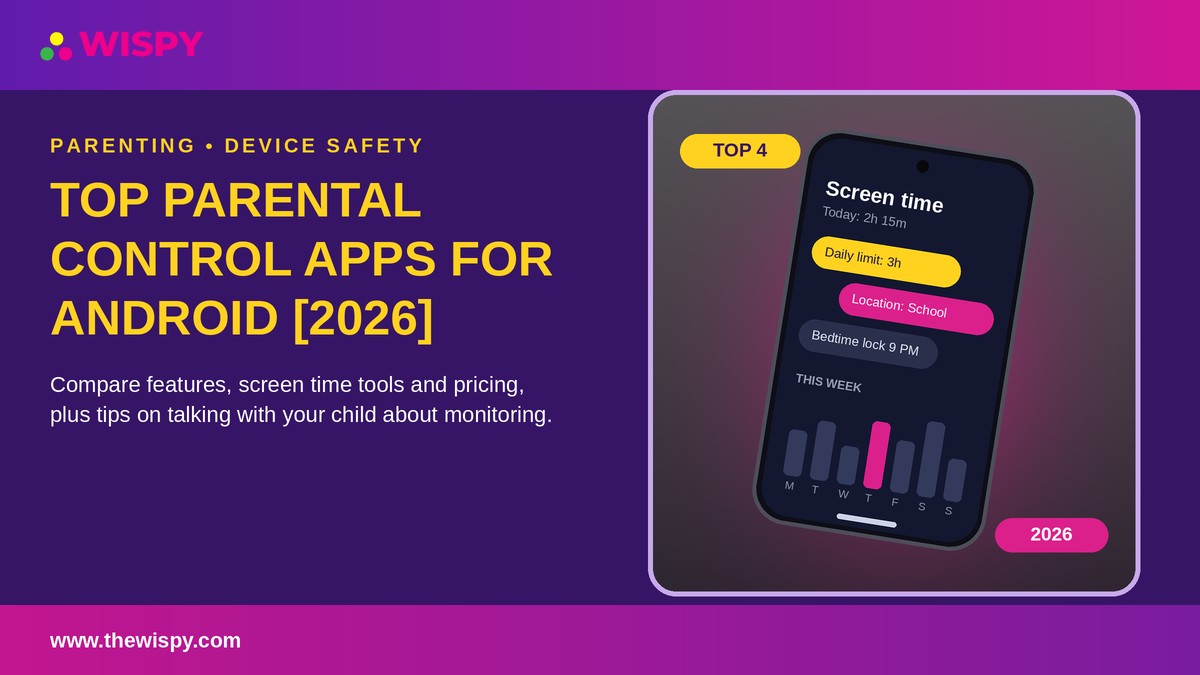
Top Parental Control Apps for Android in 2026 | TheWiSpy
Are you looking for the top parental control apps for...
Read More
10 Top-Selling Call History Tracker Apps for Call Logs Monitoring
Call History Tracker Apps: Top Picks for Parents and Employers...
Read More
10 Best GPS Tracker Apps for Family Location Sharing
Looking for reliable GPS tracker apps to share locations with...
Read More
Install TheWiSpy Monitor App Now and Start Exploring Your Kid’s and Employee’s Digital Space
- Protect Your Kids
- Secure Your Business
- Backup Personal Data
 Affiliate Login

 Spanish