
 English
 Spanish
FamiSafe Review 2026: Features, Pricing and Verdict
Posted in TheWiSpy alternatives by Mike

This FamiSafe review explains how the app helps parents keep their families safe online and offline. It is hard to protect your loved ones from digital and physical dangers today, especially when you don’t know their social circle. Fortunately, technology offers solutions, and mobile monitoring and parental control apps are among the most useful.
FamiSafe, as the name suggests, is a parental control tool built to help protect your family. Therefore, if you want a parental control and kids’ monitoring app, it is worth a look. In this article, we review the FamiSafe parental control app in detail. So, keep reading to learn everything about it.
FamiSafe Review 2026: What Makes FamiSafe a Good Parental Control App?
Wondershare FamiSafe provides digital parental control services for the online and offline protection of kids. You can see what real customers say on Trustpilot before you decide, and you can visit the official FamiSafe website for current details.
Teens and tweens now want cell phones and internet freedom, and even toddlers can operate tablets. As a result, many parents are unsure when to give a child their own phone. However, FamiSafe lets you manage a child’s digital space whatever their age. So, let’s review the app in detail.
Here are the main points in this FamiSafe review:
- What is FamiSafe?
- How can FamiSafe help you?
- Does FamiSafe support your kid’s device?
- What features does FamiSafe offer?
- How to get started with FamiSafe
- How much does FamiSafe cost?
Read each point carefully to see why FamiSafe is so popular.
What Is FamiSafe? A Quick FamiSafe Review
Wondershare FamiSafe is a tool that helps parents track and manage their teens’ digital activity. It is an elite parental control application that lets parents locate their children in real time. For example, you can monitor screen activity, track GPS location, filter websites, and manage other digital activity remotely. As a result, you can check on your kids from the office or anywhere else.
FamiSafe review: How Can It Help You?
FamiSafe lets you monitor and manage your teen’s phone remotely. Once you install it, you can control your child’s phone or tablet from an online portal. In addition, parents can block apps and websites, monitor text messages, and control screen time without holding the phone. Therefore, you can set healthy rules without constant arguments.
FamiSafe review: Does It Support Your Kid’s Device?
FamiSafe supports Android, iOS, macOS, and Windows. Here is how compatibility looked at the time of the original review. However, requirements change often, so confirm them on the official site before you buy.
FamiSafe for Android: Android 4.4 to 10 (older list).
FamiSafe for iOS: iOS 9 to 13 (older list).
FamiSafe for Windows: Windows 7, 8, 8.1, 10, XP, Vista, and Surface Pro (older list).
FamiSafe for macOS: macOS 10.8 to 10.12 (older list).
Now, let’s move on to the most important part of this FamiSafe review: the key features.
FamiSafe Review: Key Features
FamiSafe offers a more compact feature list than some competitors. Even so, it covers what most parents need to see what their kids do online. Here are the key features.
App Blocker
The app blocker lets you restrict unsuitable apps on your kids’ devices. For example, parents can block dating apps and gambling games. In addition, you can see which apps your child uses most. Moreover, the app sends instant alerts when a child tries to open a blocked app.
Location Tracker
FamiSafe gives parents peace of mind with detailed location reports. Whenever your child is out of sight, you can check their position. The location tracking feature shows live location and a location history timeline. Furthermore, geofencing lets you mark safe and unsafe zones on a map. As a result, you get an alert when your child enters or leaves a zone.
Screen Time Monitor
Phone overuse is a growing issue among teens. Therefore, the screen time monitor helps parents keep an eye on usage. You can preset limits, and the device locks when time runs out. In short, it helps kids build healthy device habits.
Web Filters
Creating an age-appropriate online environment is crucial these days. With FamiSafe web filters, you can block adult and unsuitable sites. In addition, you can blacklist or whitelist websites. Moreover, you can review browsing history to make sure your child uses the web safely.
Activity Report
FamiSafe sends daily activity reports that explain what your kids do on their devices. As a result, you can see app activity, installed app lists, and other details remotely.
Text Message Monitor
The SMS tracker helps you watch for concerning messages. For instance, you can create a list of risky words, and FamiSafe alerts you when your child uses them.
Multimedia Monitor
Parents can also check suspicious photos saved in a child’s gallery. In addition, FamiSafe can send an alert when it detects an inappropriate image.
How to Get Started
You may wonder how to get the Wondershare FamiSafe app. This FamiSafe review would be incomplete without the installation steps. So, let’s see how to set it up on your kid’s phone or tablet.
Step 1. Get Registered
First, go to famisafe.wondershare.com, create an account, and buy the license. Then choose a subscription package that fits your device.
Step 2. Set Up FamiSafe on Your Kid’s Phone
- First, install the FamiSafe app from the Play Store or App Store on the target device, and sign in with your registered ID.
- Next, choose “kid” when the app asks whether it is a parent’s or kid’s device.
- Then enter your child’s name and age.
- After that, activate FamiSafe accessibility and tap “Enable Now”.
- Next, open your kid’s phone accessibility settings and turn on the FamiSafe option.
- Then allow the permissions FamiSafe needs, such as device administrator access and notification access.
- Finally, tap “Done” to finish the configuration.
If your kid uses an Apple device, you also need to set up an iOS profile. After installing FamiSafe and entering the details, the app asks you to install it:
- First, tap the option and download the iOS configuration profile.
- Next, go to Settings > General > Profile > FamiSafe.
- Then tap FamiSafe, install it, and tap “Trust” to allow remote management.
- After that, go back to Settings and tap Safari.
- Choose “Content Blockers” and activate FamiSafe.
- Finally, tap “Complete” to finish.
Step 3. Access the Dashboard and Start Monitoring
Once FamiSafe is set up, it is time to start monitoring. Log in through the parent app or the website, open the dashboard, and select the features you want. You can also block and restrict content from there. We also recommend telling your child about the app and why you use it.
FamiSafe Review: Pricing Plans
FamiSafe offers three subscription packages, so you can pick the license that fits your needs. The plans below are reviewed on date of publishing of this article. However, prices change, so check the official site for current numbers.
FamiSafe Monthly Package: Protect up to 5 devices with all premium features for $9.99 per month.
FamiSafe Quarterly Package: Protect up to 8 devices with all premium features for $6.66 per month.
FamiSafe Yearly Package: Protect up to 10 devices with all premium features for $4.99 per month.
FamiSafe review: The Verdict
FamiSafe is a versatile parental control app with strong tools for managing kids’ mobile and desktop devices. Moreover, it helps parents filter harmful content from their children’s screens and keep track of where they are.
We hope this FamiSafe review helps you understand the app better. Stay safe, and keep your family protected from digital and physical dangers.
Don’t forget to read: Qustodio Review – Explore Everything About the Qustodio Parental Control App

Related Posts

Kaspersky Safe Kids Review: Is It Worth It in 2026?
Kaspersky Safe Kids Review: Is This Parental Control App Worth...
Read More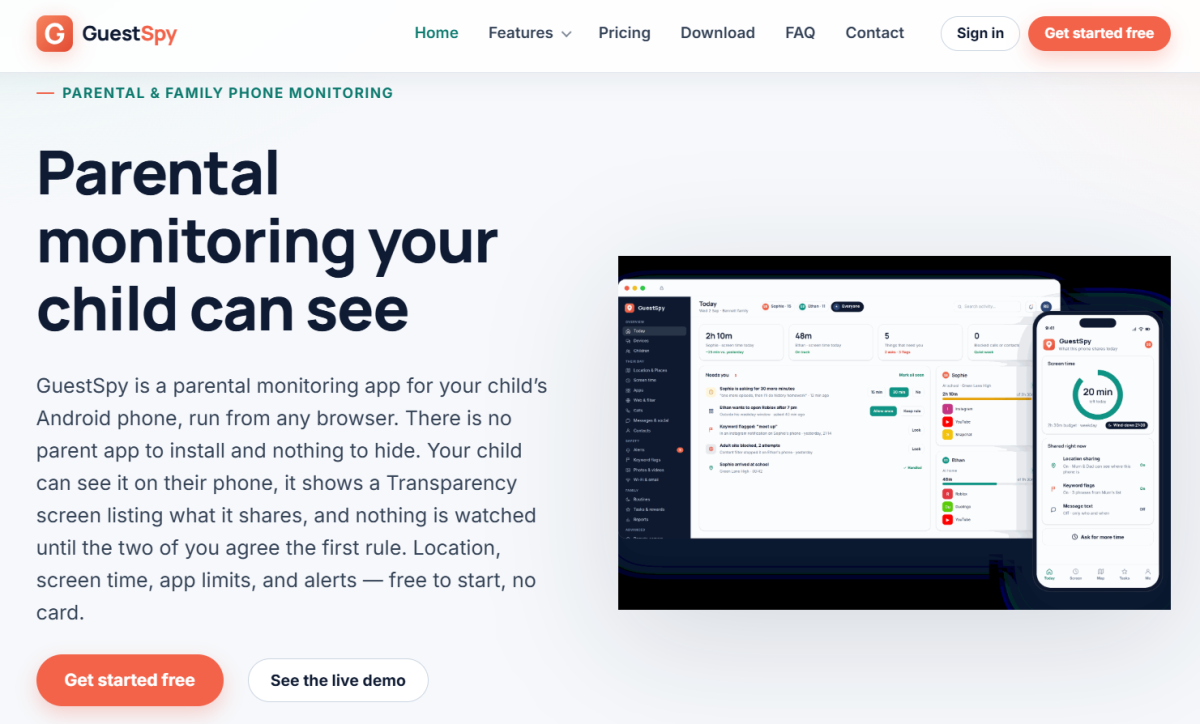
GuestSpy Review 2026: Is It Safe to Use? | TheWiSpy
This GuestSpy review answers a simple question first: is the...
Read More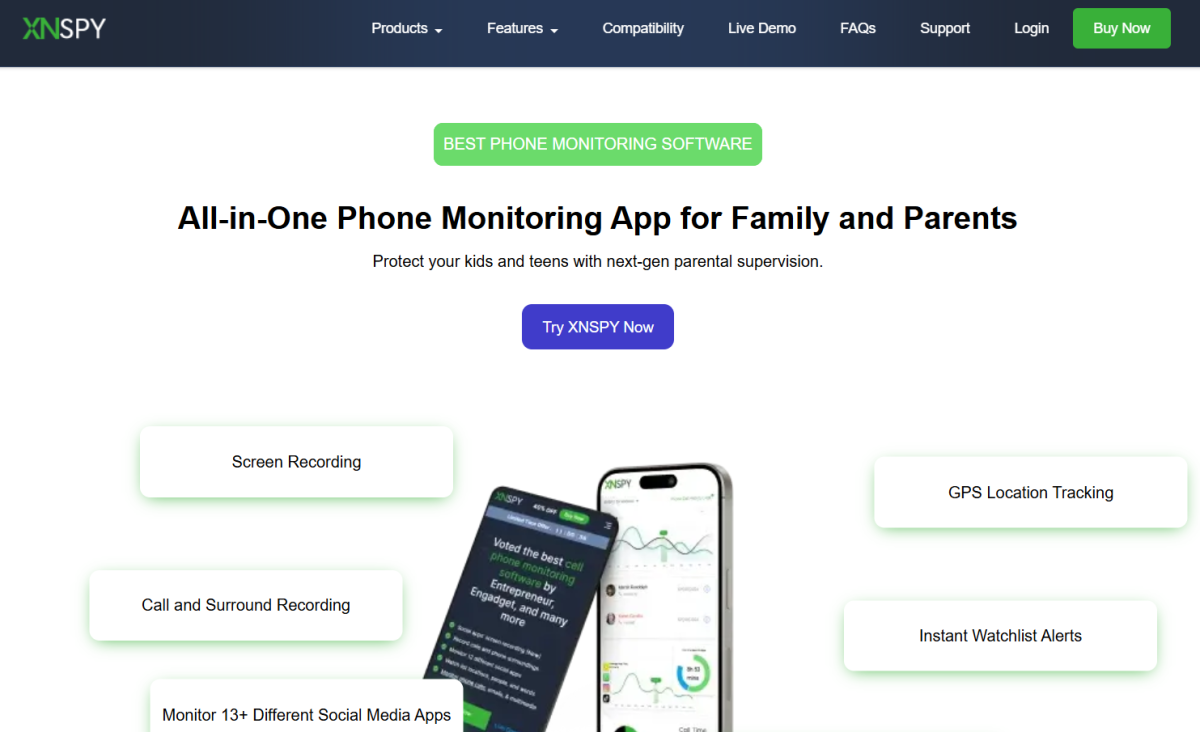
XNSpy Review 2026: Features, Pricing & Safety | TheWiSpy
This XNSpy review looks at what the app does, which...
Read More
Install TheWiSpy Monitor App Now and Start Exploring Your Kid’s and Employee’s Digital Space
- Protect Your Kids
- Secure Your Business
- Backup Personal Data

 Affiliate Login
 Spanish