
 English
 Spanish
Telegram Safety for Parents: Risks, Tips & Guide
Posted in Parental Control by admin
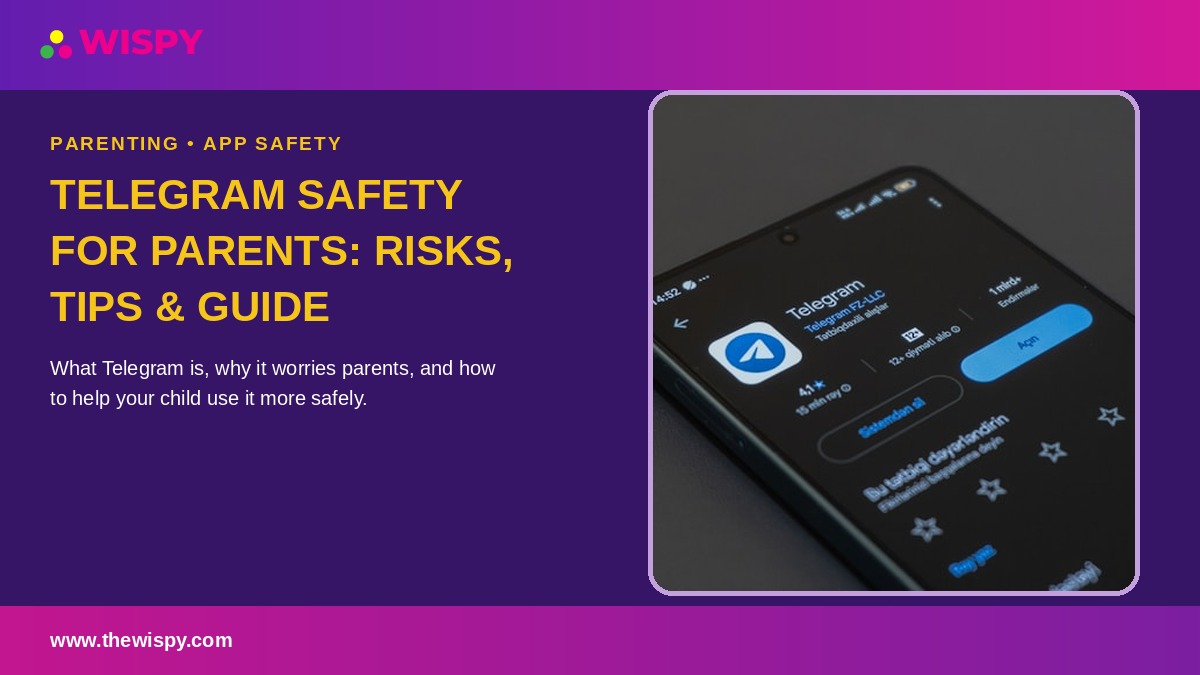
Telegram safety for parents starts with understanding how Telegram’s public channels, large groups, Secret Chats, bots, and privacy settings work. Unlike messaging apps focused mainly on private conversations, Telegram combines direct messaging with large public communities, which creates a different set of safety considerations for families.
Telegram provides features such as blocking, reporting, privacy controls, and two-step verification. However, parents should understand both these safety features and their limitations when evaluating whether Telegram is appropriate for their teenager.
Telegram Safety for Parents: What Makes Telegram Different?
Telegram has several features that can change the way children and teenagers encounter people and content online.
Large Public Groups and Channels
Telegram supports public groups and channels that can reach large audiences. Users can discover public communities and subscribe to channels covering a wide range of topics.
This broad access can expose young users to unfamiliar people, discussions, and content outside their normal social circle. Parents should therefore pay attention to which public channels and groups their child joins.
Telegram Secret Chats
Secret Chats provide an optional form of end-to-end encrypted communication. Unlike regular Telegram cloud chats, Secret Chats use device-specific encryption and do not sync through Telegram’s cloud.
Telegram explains the differences between regular cloud chats and Secret Chats in its official FAQ. Parents should understand this distinction because it affects what information may remain available across devices.
Telegram Bots and Automated Accounts
Bots are automated accounts that can interact with Telegram users and provide different services. Some bots perform useful tasks, but children may not always understand whether they are communicating with a real person or an automated system.
Parents should teach children not to share personal information, passwords, verification codes, or private images with bots or unfamiliar accounts.
Telegram Safety Features Parents Should Know
Telegram provides several privacy and security controls that can reduce unwanted contact. However, parents should remember that these controls do not create a dedicated parental supervision system.
Telegram Blocking and Reporting
Users can block unwanted contacts and report problematic content or accounts. Telegram also provides reporting mechanisms for content that violates its rules.
Parents should show children how to block and report accounts rather than encouraging them to continue conversations with people who make them uncomfortable.
You can review Telegram’s official FAQ for additional information about account management, privacy, and security.
Telegram Privacy Settings
Telegram gives users control over several privacy settings. Depending on the account and feature, users can manage who can see information such as their phone number, profile details, and last-seen information.
Parents should review these settings with their child and choose the most restrictive options that still allow the account to work as intended.
Telegram Two-Step Verification
Telegram also supports two-step verification, which adds another layer of protection to an account. Parents should encourage children to use a strong password and keep recovery information secure.
Telegram provides instructions for protecting Telegram accounts with additional security.
Telegram Safety Risks Parents Need to Understand
Public Channel and Group Exposure
Public channels and groups can introduce children to people and content outside their existing network. A teenager may encounter unfamiliar communities simply by searching for a topic or following a public link.
Parents should regularly discuss which channels and groups their child follows and encourage them to leave communities that contain inappropriate or disturbing content.
Secret Chats and Parental Visibility
Secret Chats use end-to-end encryption and remain tied to the devices involved in the conversation. This design limits access to the chat outside those devices.
This matters when parents evaluate Telegram safety for parents. No responsible monitoring strategy should promise complete visibility into every Telegram interaction, particularly when users deliberately choose privacy-focused features.
Bots and Unfamiliar Contacts
Bots add another type of interaction that children may encounter on Telegram. A bot can appear within a conversation or group while performing automated tasks.
Children should understand that an automated account can still request information or direct them toward external websites. They should never share passwords, authentication codes, financial information, or other sensitive data simply because a bot asks for it.
Scams, Spam, and Suspicious Links
As with other large online platforms, Telegram users can encounter spam, scams, misleading offers, and suspicious links.
Parents should teach children to avoid clicking unfamiliar links, downloading unexpected files, or sharing login codes. Telegram specifically warns users not to share login codes with anyone.
Telegram Safety Checklist for Parents
- Review joined channels and groups. Ask your child which communities they follow and discuss whether the content and conversations are appropriate.
- Explain the difference between chats, groups, and channels. Children should understand that public channels can expose them to a much wider audience than private conversations.
- Review Telegram privacy settings. Check phone-number visibility, contact permissions, and other available privacy controls together.
- Explain Secret Chats. Make sure your child understands that Secret Chats use additional end-to-end encryption and work differently from regular cloud chats.
- Teach children about bots. Explain that some Telegram accounts use automated software and that children should never share sensitive information with unfamiliar bots.
- Discuss suspicious links and offers. Encourage children to stop and ask before clicking unfamiliar links or downloading unexpected files.
- Teach blocking and reporting. Make sure your child knows how to end unwanted conversations and report problematic accounts or content.
For broader advice about protecting children across messaging and social apps, see our parental control guide.
Where Telegram Monitoring Fits Into Parental Safety
Parents sometimes consider device-level monitoring when they have a specific safety concern. This approach can provide information that Telegram’s own privacy and security settings do not provide to parents.
However, parents should understand the technical limitations before relying on any monitoring solution. Telegram’s Secret Chats use end-to-end encryption and remain available only on the devices participating in the chat. This means parents should not assume that a monitoring product can provide complete access to every Secret Chat.
For a more detailed explanation of the available options and their limitations, read our Telegram monitoring guide.
Any monitoring should follow applicable laws and respect a child’s privacy. Parents should also consider age, maturity, and the specific safety concern before introducing monitoring software.
Telegram Safety for Parents: Frequently Asked Questions
Can Parents See Telegram Secret Chats?
Secret Chats use end-to-end encryption and are designed to keep the conversation accessible only to the participating devices. They also do not sync through Telegram’s cloud.
For this reason, parents should not assume that conventional account-level or cloud-based monitoring can provide complete access to Secret Chats. Telegram explains the feature in its official Secret Chats documentation.
Are Telegram Public Channels Safe?
Public channels vary considerably in topic and content. Telegram provides rules and moderation mechanisms, but the enormous variety of public communities means parents should still pay attention to what their children follow.
Parents should encourage children to leave channels that contain inappropriate content, harassment, scams, or other material that makes them uncomfortable.
What Age Is Telegram Intended For?
Telegram’s current Terms of Service state that users must be at least 16 years old, although local laws may impose different requirements.
Parents can check Telegram’s current Terms of Service for the latest age and account requirements.
Does Telegram Have Parental Controls?
Telegram provides privacy and security settings, but it does not offer a dedicated parent dashboard comparable to some social platforms’ family supervision systems.
This makes direct communication with your child and regular reviews of their online habits especially important when considering Telegram safety for parents.
Is Telegram Riskier Than Instagram?
Telegram has a different risk profile rather than being automatically safer or more dangerous than Instagram. Its large public groups and channels, bots, privacy features, and limited parent-focused controls create a different set of considerations.
The right approach depends on your child’s age, maturity, online behavior, and the communities they use.
Telegram Safety for Parents: The Bottom Line
Telegram safety for parents requires attention to the platform’s public and private features. Large public groups and channels can introduce children to unfamiliar people and content, while Secret Chats provide stronger privacy for conversations between participating devices.
Parents should review joined channels and groups, adjust privacy settings, discuss suspicious links and bots, and teach children how to block and report unwanted contacts.
Most importantly, parents should understand the limits of technical monitoring. No tool should promise complete visibility into every Telegram interaction, especially when privacy-focused features such as Secret Chats are involved.
Combining age-appropriate supervision, open communication, privacy education, and sensible technical controls gives parents a more realistic approach to keeping children safer online.

Related Posts
Mirror Your Child’s Phone: A Safe Guide
How to Mirror Your Child's Phone to Yours: A Safe...
Read More
Block Adult Content on Your Child’s Phone: 3 Easy Ways
How to Block Adult Content on Your Child’s Phone Is...
Read More
Parental Controls on Your Child’s Phone: Easy Guide (2026)
Setting up parental controls on your child's phone is one...
Read More
Install TheWiSpy Monitor App Now and Start Exploring Your Kid’s and Employee’s Digital Space
- Protect Your Kids
- Secure Your Business
- Backup Personal Data

 Affiliate Login
 Spanish