
 English
 Spanish
Snapchat Safety for Parents: 2026 Guide to Family Center & Risks
Posted in Parental Control by admin
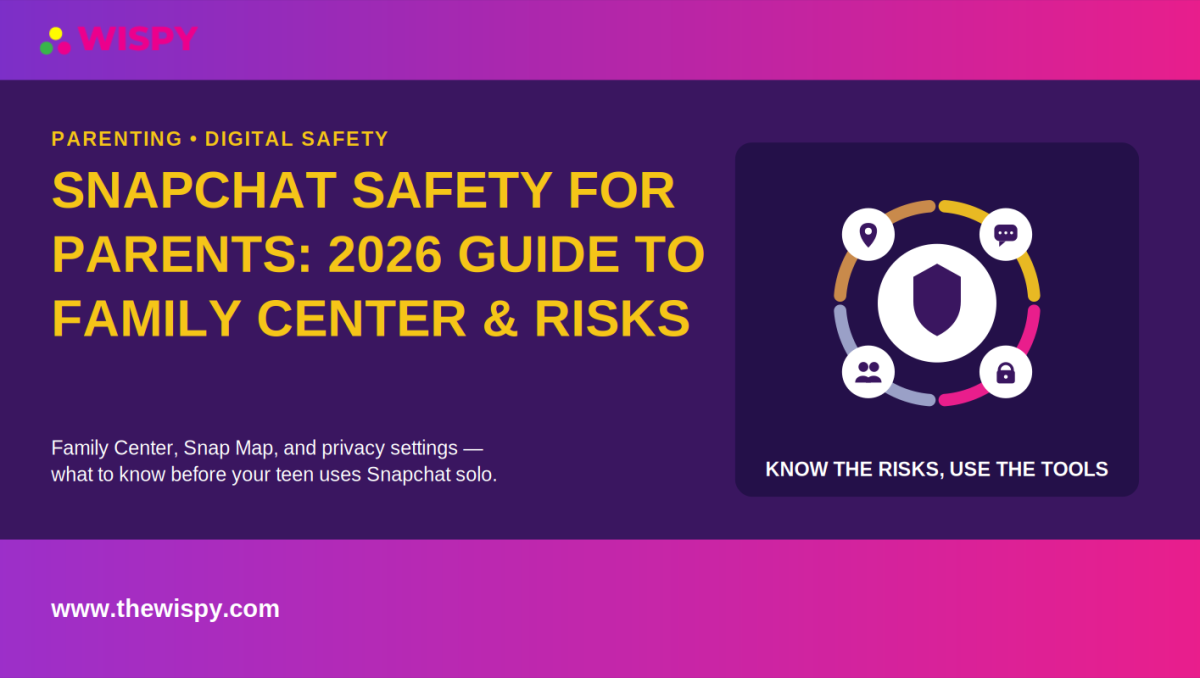
Snapchat remains one of the most popular social apps among teens, but its disappearing messages, location-sharing features, and private communication style can make it difficult for parents to understand what their children are experiencing online. This Snapchat safety for parents guide explains the app’s main risks, built-in safety features, and practical steps parents can take in 2026.
Unlike traditional feed-based platforms, Snapchat is designed around temporary sharing and private conversations. That makes it especially important for parents to understand features such as Family Center, Snap Map, privacy settings, and content controls.
Why Snapchat Is Different From Other Apps
Snapchat’s disappearing messages and photos are designed for casual, temporary communication. However, disappearing content should not be treated as completely private or permanent. Recipients can potentially save or screenshot content, and Snapchat may notify the sender when a screenshot is detected.
The platform also includes Snap Map, which allows users to share their location with selected friends. According to Snapchat’s support documentation, location sharing is off by default, and users can choose which friends can see their location. Parents should still review these settings with their teens regularly.
These features can make Snapchat feel less transparent than platforms where posts and conversations remain visible for longer periods. For parents, the goal should not be to monitor every interaction but to understand the app and establish clear safety expectations.
Snapchat’s Built-In Safety Tools for Parents
Snapchat has expanded its parental and safety features in recent years. Its most important tool for parents is Family Center, which is designed to provide insight into a teen’s Snapchat activity while preserving the privacy of their conversations.
Family Center
Snapchat Family Center allows parents and caregivers to see information about their teen’s Snapchat connections without reading private message content. Parents can see recent conversations, friends, and certain group-chat information, as well as use available safety and reporting tools.
Family Center can also provide access to content controls and certain location-related features. Snapchat says parents and caregivers must be 18 or older, while the teen account connected through Family Center is intended for ages 13 to 17. Availability can also vary by region.
Content Controls
Family Center includes controls that can help parents limit their teen’s exposure to potentially sensitive content in areas such as Stories and Spotlight. These controls can be useful as part of a broader family approach to online safety.
Snap Map and Location Controls
Snap Map deserves particular attention because location information can create real-world safety concerns. Parents can review the location settings with their teen and decide whether location sharing is necessary.
Snapchat’s Ghost Mode guide explains that enabling Ghost Mode hides a user’s location from other people on the Map. Snapchat also allows users to share their location with all friends, selected friends, or nobody.
Friend and Contact Controls
Parents should also review who can contact or add their teen. Keeping the teen’s friend list limited to people they know can reduce unwanted contact from strangers or unfamiliar accounts.
What Family Center Does and Doesn’t Show
Family Center is useful, but parents should understand its limitations. It is designed to provide visibility into who a teen is communicating with rather than the actual content of those private conversations.
Parents can see recent conversations and information about friends and groups, but Family Center does not provide a transcript of private Snaps or messages. This privacy-focused approach is intentional and is part of Snapchat’s design for Family Center.
For a general Snapchat safety for parents strategy, Family Center is therefore best viewed as a starting point rather than a complete monitoring solution. If a specific safety concern arises, parents may need to combine the available app controls with direct communication and, where appropriate, additional parental-control tools.
For families evaluating broader parental controls, you can also explore TheWiSpy parental control resources to understand what additional monitoring and device-management options are available.
Common Snapchat Risks Parents Should Understand
Snap Streaks and Compulsive Checking
Snap Streaks can encourage teens to communicate every day to maintain a streak. For some young users, this can create pressure to check Snapchat repeatedly or respond even when they would rather disconnect.
Parents can help by discussing healthy screen-time boundaries and making it clear that missing a streak is not a serious problem.
Disappearing Content Is Not Always Private
One of the most important Snapchat safety lessons is that disappearing content is not necessarily gone forever. Someone who receives a Snap may screenshot, record, save, or otherwise capture it.
Teens should therefore follow a simple rule: never send something on Snapchat that they would be uncomfortable seeing saved or shared elsewhere.
Snap Map and Location Sharing
Location sharing can reveal where a teen is spending time. Although Snapchat provides controls for limiting location visibility, parents should review these settings periodically, particularly when a teen adds new friends.
Snapchat states that location sharing is off by default, and Ghost Mode can hide a user’s location from other Snapchatters. However, Snaps submitted to Snap Map can still appear on the Map, so parents should understand the difference between location sharing and Map submissions.
Strangers and Unfamiliar Accounts
Teenagers can encounter people they do not know offline through usernames, group chats, gaming communities, shared links, and other online spaces. A person who appears friendly online may not be who they claim to be.
Parents should encourage teens to avoid accepting requests from people they do not know and to report or block accounts that make them uncomfortable.
Oversharing Personal Information
Photos, videos, usernames, school information, routines, and location details can reveal more than a teen realizes. Encourage children to think carefully before sharing information that could identify where they live, study, or spend time.
A Practical Snapchat Safety Checklist for Parents
- Set up Family Center together. Use the setup process as an opportunity to discuss online safety rather than presenting parental controls as a punishment.
- Review Snap Map settings. Consider Ghost Mode or limit location sharing to a small group of trusted friends.
- Review the friends list. Ask your teen about unfamiliar usernames and discuss why accepting unknown contacts can be risky.
- Discuss screenshots and saved content. Make sure your teen understands that disappearing content can still be captured and shared.
- Set clear boundaries. Agree on rules for adding strangers, sharing locations, posting personal information, and responding to suspicious messages.
- Talk about reporting and blocking. Make sure your teen knows how to block or report accounts that make them feel unsafe.
- Review settings periodically. Privacy settings and app features can change, so check them together from time to time.
When Family Center Isn’t Enough
For many families, Family Center provides a useful level of transparency without turning every private conversation into something a parent can read. However, there may be situations where parents have a specific and serious safety concern.
A sudden change in behavior, concerning contact from an unknown person, threats, harassment, or another significant warning sign may justify taking additional steps. In those circumstances, parents should consider the child’s age, the seriousness of the concern, and the least intrusive approach that can address the problem.
A dedicated parental-control or monitoring solution may be appropriate for some families, particularly when used for a defined safety purpose and discussed openly with the child. It should complement, rather than replace, conversations about digital safety and responsible technology use.
Parents looking for broader information about managing children’s digital activities can also read TheWiSpy’s social media monitoring guide.
Frequently Asked Questions About Snapchat Safety for Parents
What age is Snapchat appropriate for?
Snapchat’s terms state that users must generally be at least 13 years old, although the minimum age can be higher in some jurisdictions. Snapchat also says some services may have additional age requirements.
However, meeting the minimum age does not automatically mean a child is ready for Snapchat. Parents should consider their child’s judgment, privacy awareness, ability to handle unwanted contact, and understanding of online boundaries.
Can I see my teen’s Snapchat messages without them knowing?
Family Center does not show the content of your teen’s private Snaps or messages. It provides information about recent conversations and connections while keeping message content private.
Parents should be cautious about using covert monitoring and should consider their child’s age, the reason for monitoring, and applicable laws before using any third-party solution.
Is Snap Map safe to leave on?
Snap Map can be used more safely when location sharing is limited to people your teen knows and trusts. Snapchat allows users to select who can see their location and also provides Ghost Mode to hide location from other Snapchatters.
Parents should review these settings regularly, especially when their teen’s friend list changes.
Does Snapchat notify my teen if I use Family Center?
Yes. Family Center is designed as a transparent parental tool rather than a covert monitoring feature. Snapchat’s setup instructions state that the teen must view and accept the parent’s invitation to opt in to Family Center.
How do I find Family Center on Snapchat?
Snapchat’s current support instructions say parents can find Family Center through the profile area, Search, or the app’s Settings under the relevant privacy section. Snapchat also provides a step-by-step Family Center guide if you need help locating the feature.
Bottom Line: Is Snapchat Safe for Teens?
Snapchat is not automatically unsafe, but it has features that parents should understand before allowing a teenager to use it independently. Disappearing content, location sharing, private communication, and contact from unfamiliar people can all create potential risks.
For most families, Snapchat safety for parents starts with an open conversation, appropriate privacy settings, and Snapchat’s built-in Family Center. Parents should review Snap Map, understand who their teen is communicating with, and establish clear rules about screenshots, strangers, personal information, and location sharing.
Family Center can provide valuable visibility without exposing private message content, making it a useful first step for parents who want to support their teen’s online safety. When a specific and serious concern exists, families can consider additional parental-control tools while keeping communication and the child’s overall well-being at the center of the decision.
For the latest information about Snapchat’s safety features, parents should also consult the official Snapchat Safety resources and Snapchat Support, since app features and privacy controls can change over time.

Related Posts
Screen Time Limits by Age: 2026 Guide for Parents
Screen time limits by age have changed in 2026. Instead...
Read More
Discord Safety for Parents: A 2026 Guide to Family Center
Discord safety for parents has become a more urgent topic...
Read More
Best Parental Control Apps Compared (2026)
Finding the best parental control apps for your family isn't...
Read More
Install TheWiSpy Monitor App Now and Start Exploring Your Kid’s and Employee’s Digital Space
- Protect Your Kids
- Secure Your Business
- Backup Personal Data

 Affiliate Login
 Spanish