
 English
 Spanish
Discord Safety for Parents: A 2026 Guide to Family Center
Posted in Digital Parenting by admin
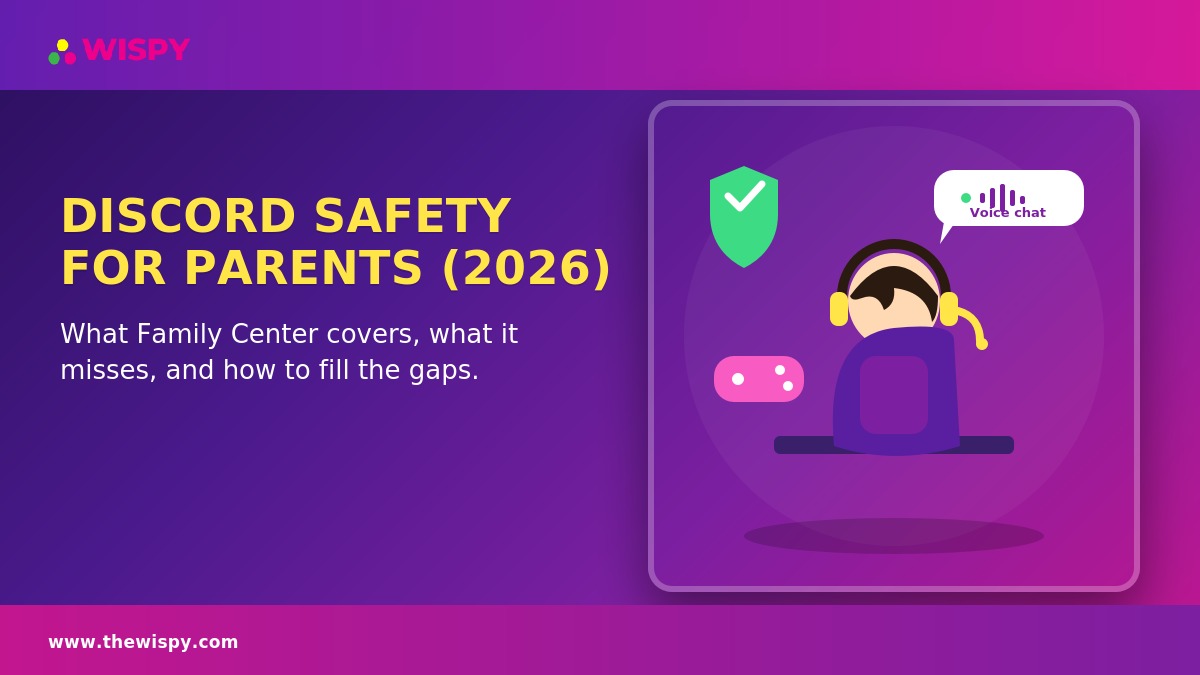
Discord safety for parents has become an urgent topic. Kids who play games like Roblox, Fortnite, and Minecraft often move from in-game chat straight into Discord servers and voice channels, which makes the app one of their default hangout spaces. Discord has also carried real, well-documented safety concerns. Those concerns pushed the company to roll out major safety updates in 2026. Here’s what changed, and what parents still need to watch for.
Discord Safety for Parents: Age Verification and “Teen by Default”
Discord requires a minimum age of 13. In 2026, the platform began rolling out age-assurance tools, including on-device facial age estimation and government ID verification for accounts with uncertain age signals. Discord now treats every account as “teen by default” unless the user verifies as an adult. That means sensitive content stays blurred and certain safety settings stay locked until the user completes verification. This marks a meaningful shift from Discord’s earlier, largely self-reported age system — though the global rollout has already faced delays and adjustments as Discord works out the details.
Family Center: What It Shows and What It Doesn’t
Family Center is Discord’s consent-based monitoring tool. Both parent and teen must link their accounts, which makes it one of the more collaborative pieces of Discord safety for parents to set up. Parents can see servers joined, friends added, total call minutes, top contacts and servers, and purchases. Parents cannot see message content, what was said in voice calls, or specific DM conversations — those stay private by design. Discord’s own Family Center support article walks through the full setup process step by step.
The Biggest Gap: Voice Chat
Here’s the key gap to understand: Discord’s voice channels leave no log, and no parental control tool on mobile can monitor them. Text-based harassment or concerning contact at least leaves a theoretical paper trail. Voice chat doesn’t. That makes it one of the harder risk areas for parents to gain any real visibility into.
The Scale of the Underlying Risk
The scope of harmful activity on Discord is large enough to have prompted a genuine platform-level response. In recent reporting periods, Discord has removed tens of thousands of servers for policy violations — more than half tied specifically to child safety concerns — and has disabled a substantial number of accounts for related violations. Discord’s own Transparency Hub publishes the detailed numbers each reporting cycle. This context matters: it explains why Discord made its 2026 changes, and why parents shouldn’t assume the platform is now fully “solved” just because new safety tools exist. Parents worried about predatory contact specifically may also want to review the warning signs in our guide on spotting online grooming.
Setting Up Discord Safely: A Checklist
- Set up Family Center together, since it requires mutual opt-in and works best as a collaborative step rather than something you spring on a teen
- Restrict DMs to friends only rather than allowing messages from anyone
- Keep content filtering set to its strictest setting unless you have a specific, considered reason to loosen it
- Talk specifically about voice chat, since it’s the one area no monitoring tool — Discord’s own or third-party — can meaningfully cover
- Review server memberships periodically — Family Center shows which servers your teen has joined, which is a reasonable, low-friction thing to check in on
Discord Safety for Parents: Combining Built-In Tools With Broader Protection
Family Center has real limits: no message content, no voice chat visibility. Because of that, many child-safety resources recommend pairing Discord’s built-in tools with device-level parental control options and ongoing conversation, rather than treating Family Center as sufficient on its own. Our guide on building a family media agreement covers how to set expectations around apps like Discord before installation, not after a problem comes up. Families with a specific, serious concern about text-based conversations might consider a dedicated monitoring app for the message-content visibility Family Center doesn’t provide. Even that won’t close the voice-chat gap, though, so it’s worth staying clear-eyed about what any tool can and can’t see.
Frequently Asked Questions
Is Discord safe for a 13-year-old?
Set up Family Center, restrict DMs to friends, and turn on content filtering, and Discord becomes meaningfully safer than an unrestricted account. Voice chat still remains an unmonitorable gap, though, no matter which settings you choose. Ongoing parental involvement matters more than any single setting.
Can Family Center see my teen’s DM conversations?
No — Family Center shows activity metadata (servers, friends, call minutes) but does not show message content or DM conversations, by design.
What’s the age verification process like?
Discord’s 2026 system checks account signals first — account age, activity patterns, payment methods. When those signals are inconclusive, it prompts further verification: either on-device facial age estimation or an ID upload.
Is voice chat really impossible to monitor?
Currently, yes. No parental control tool, Discord’s own or third-party, can log or monitor Discord voice chat on mobile. This is a genuine, acknowledged limitation across the entire category, not a gap specific to any one tool.
Bottom Line on Discord Safety for Parents
Discord’s 2026 updates — age verification, teen-by-default settings, and Family Center — represent real progress. Still, message content and voice chat remain outside what any tool can monitor. For most families, pairing these built-in tools with ongoing conversation about voice chat specifically is more realistic than expecting any setting to close that gap. That combination is really the core of practical Discord safety for parents right now.

Related Posts
Digital Spying on Cheating Spouse – Is It Legally Permissible?
Spying itself is a negative word because you are invading...
Read More
Game Over! Oculus Deadly VR Can Kill You in Real-Life
Deadly Oculus VR Headset Can Blow Heads Off in Real...
Read More
Is Tinder Safe for Teens? A Red Flag for Parents
You may be wondering, is Tinder safe? What is the...
Read More
Install TheWiSpy Monitor App Now and Start Exploring Your Kid’s and Employee’s Digital Space
- Protect Your Kids
- Secure Your Business
- Backup Personal Data

 Affiliate Login
 Spanish