
 English
 Spanish
How to Monitor Your Child’s Facebook Account: An Easy Guide for Parents
Posted in Social Media by Sam Adams
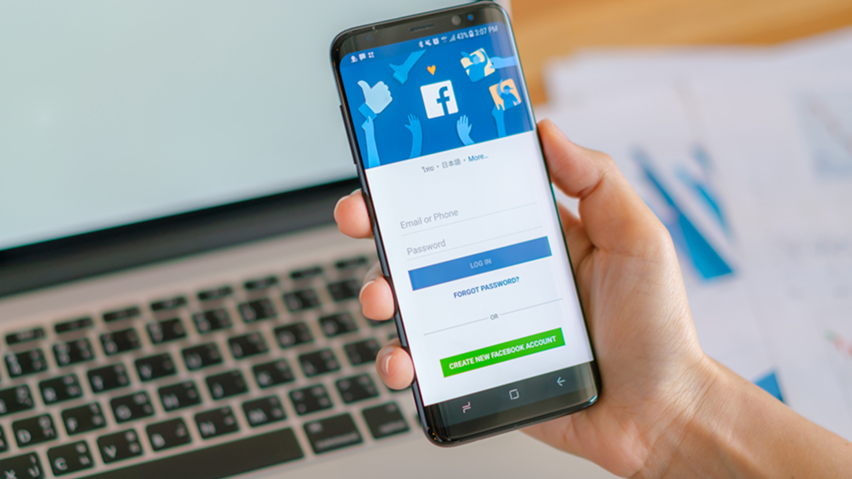
Do you want to monitor your child’s Facebook account but don’t know where to start? Many parents worry about who their kids talk to online. Facebook connects people around the world. As a result, it can also expose young users to online predators, scams, cyberbullying, and inappropriate content.
Fortunately, you don’t need to spy to keep your child safe. In this guide, we explain how to supervise a teen’s Facebook use openly and effectively. We also explain what you can and cannot see on someone else’s profile. Let’s get started.
Why Parents Should Monitor Their Child’s Facebook Account
Facebook has a big impact on young minds. It offers real benefits, such as staying in touch with family. However, it also brings risks. Children may meet strangers, see misleading content, or face cyberbullying. Moreover, constant comparison on social media can harm their mental health.
When you monitor your child’s Facebook account, you can spot these problems early. In addition, you can step in with support, guidance, and clear rules. It also gives you a chance to teach privacy, digital manners, and the risks of oversharing.
What You Can and Cannot See on a Private Facebook Profile
Facebook lets people control who sees their posts and photos. When someone locks their profile, non-friends see only limited details, such as a profile picture. That is by design. Likewise, Facebook’s terms and many laws forbid trying to bypass these settings or log in to someone else’s account.
So, be careful with sites that claim to unlock private profiles. Most are scams, and many steal your login details or install malware. For accurate information, use the Facebook Help Center.
The good news is that you don’t need any workaround for your own child. You can supervise their account openly, as the next section explains.
4 Ways to Monitor Your Child’s Facebook Account Openly
1. Become Friends and Review Their Activity Together
First, add your child as a friend or follow them. Then you can see the posts, photos, and comments they share with friends. Also, sit down together now and then to look through their feed. Because this is a shared activity, it builds trust rather than suspicion.
2. Check the Privacy Settings Together
Next, review the account’s privacy settings with your child. Open Settings and privacy, then run the Privacy Checkup. Set posts to Friends only. Also, limit who can send friend requests and who can find the profile by search. As a result, strangers see far less.
3. Use Meta’s Supervision Tools
In addition, Meta offers parental supervision features through its Family Center. These tools let parents view supervision options and set limits with their teen’s agreement. Available features change by country and app, so check what applies to your child’s account.
4. Use a Parental Monitoring App
Finally, an app can add deeper visibility, such as activity reports and time limits. For example, TheWiSpy parental monitoring lets parents review social media activity from an online dashboard. Here is how to start:
- Choose a plan on the TheWiSpy pricing page.
- Install the app on your child’s phone.
- Then log in to your dashboard to review their activity.
However, we strongly recommend telling your child first. Also, install monitoring software only on your own minor child’s device. Never use it on another adult’s phone without their consent. Doing so can be illegal and can break trust for good.
Warning Signs to Watch For
Whichever method you choose, watch for these signs:
- Sudden secrecy or hiding the screen when you walk in
- New friends or messages from adults you don’t know
- Mood changes after using Facebook
- Requests for private photos or personal details
- Late-night use that affects sleep or school
If you see these signs, talk calmly with your child first. In serious cases, you can report the account to Facebook or contact the police. The National Center for Missing and Exploited Children also offers help to families in the US.
What About Partners or Other Adults?
If you worry about a partner’s online behavior, secret tracking is not the answer. Accessing another adult’s account without permission is illegal in many places, and it usually damages the relationship. Instead, talk openly about your concerns, or seek advice from a counselor.
Final Thoughts: Monitor Your Child’s Facebook Account with Trust
To monitor your child’s Facebook account well, combine open conversations, privacy settings, and the right tools. Above all, explain why you monitor, and keep it a shared effort rather than a betrayal of trust. Safety should come first, and you should not invade harmless private chats. With that balance, your child can enjoy social media safely and confidently.

Related Posts
Monitor Snapchat Activity: A Legal Guide for Parents (2026)
Do you want to monitor Snapchat activity on a teen's...
Read More
How to View Snapchat Location History of Someone?
Wondering how to see Snapchat location history? Snapchat shows a...
Read More
How to Recover Deleted Instagram Messages? Everything You Need to Know
Wondering how to recover deleted Instagram messages? Direct Messages (DMs)...
Read More
Install TheWiSpy Monitor App Now and Start Exploring Your Kid’s and Employee’s Digital Space
- Protect Your Kids
- Secure Your Business
- Backup Personal Data

 Affiliate Login
 Spanish