
 English
 Spanish
What Is Two-Factor Authentication? A Quick Guide
Posted in Cybersecurity by admin
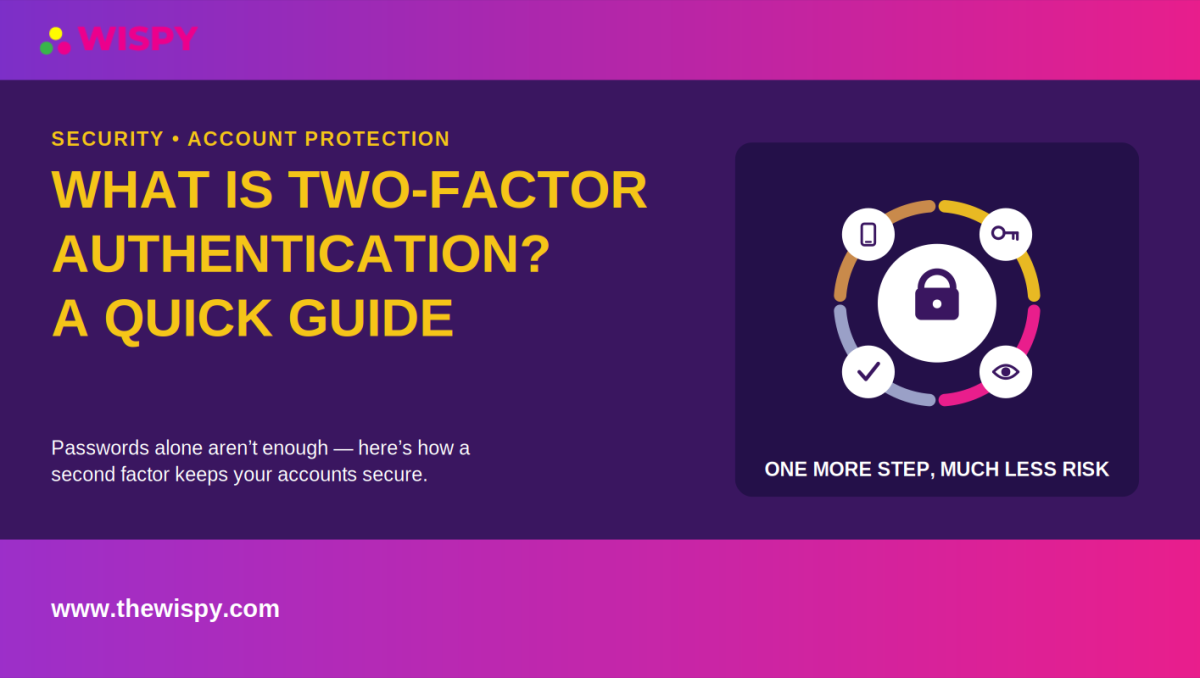
What is two-factor authentication? Two-factor authentication (2FA) adds a second layer of security beyond your password before allowing access to an account. The second factor might be a code from an authenticator app, a text message, a push notification, or a physical security key.
Passwords alone can leave sensitive accounts exposed. By requiring another form of verification, two-factor authentication makes it much harder for an unauthorized person to access your account, even if they obtain your password.
For accounts that contain private information, such as monitoring dashboards, email accounts, financial services, and business systems, enabling 2FA is one of the simplest security improvements you can make.
What Is Two-Factor Authentication?
Two-factor authentication is a security method that requires two different types of verification before granting access to an account. Instead of relying only on a password, 2FA combines your password with another factor that proves you are the authorized user.
The two factors usually come from different categories:
- Something you know: A password, PIN, or passphrase.
- Something you have: A smartphone, authenticator app, security key, or other trusted device.
- Something you are: A biometric identifier such as a fingerprint or facial recognition.
For example, you might enter your password and then enter a six-digit code generated by an authenticator app. An attacker would need both pieces of information to complete the login.
Why Is Two-Factor Authentication Important?
Passwords can be stolen, guessed, reused, or exposed in data breaches. Phishing attacks can also trick people into entering their passwords on fake websites.
Two-factor authentication adds another barrier. Even if someone obtains your password, they may still need your second authentication factor to access the account.
This extra layer can be particularly valuable for accounts containing personal, financial, business, or location information. You can also learn more about protecting sensitive information in our guide to protecting your phone from spyware and unwanted monitoring.
Why Passwords Alone Aren’t Enough
Using a strong, unique password remains important, but passwords have several weaknesses.
- People often reuse passwords across multiple websites.
- Attackers can steal credentials through phishing.
- Companies can suffer data breaches that expose customer passwords.
- Weak or predictable passwords can be easier to guess.
- Malware can sometimes capture passwords entered on an infected device.
When you reuse a password and one website suffers a breach, attackers may try the same credentials on other services. A second authentication factor can reduce the risk of successful account takeover in this situation.
Common Types of Two-Factor Authentication
There are several ways to use two-factor authentication. Each method offers different levels of convenience and security.
SMS Authentication Codes
SMS authentication sends a one-time verification code to your mobile phone. After entering your password, you enter the code from the text message to complete the login.
SMS is convenient and much better than using a password alone. However, it has security limitations. For example, an attacker may attempt a SIM-swapping attack by convincing a mobile carrier to transfer your phone number to a SIM card they control.
For this reason, security organizations generally recommend using stronger authentication methods when they are available.
Authenticator Apps
Authenticator apps generate temporary verification codes directly on your device. Examples include Google Authenticator and other established authentication applications.
Because the code does not depend on receiving an SMS message, an authenticator app can provide stronger protection against SIM-swapping attacks.
For important accounts, an authenticator app is often a good balance between security and convenience.
Hardware Security Keys
Hardware security keys are physical devices that you plug into or tap against a compatible device during login. Products such as YubiKey use modern authentication standards to provide strong protection against many forms of phishing.
The main disadvantage is convenience. You need to keep the physical security key available when you sign in.
Push Notifications
Push authentication sends an approval request to a trusted device. Instead of typing a code, you may simply confirm that you are trying to sign in.
This method can make authentication faster and easier, although users should always review login prompts carefully. Approving unexpected requests can allow an attacker to bypass security through a technique known as prompt bombing or MFA fatigue.
Why 2FA Matters for Monitoring Accounts
Monitoring accounts can contain highly sensitive information, including messages, call records, location history, contacts, and other private activity. That makes account security especially important.
If someone obtains the password for a monitoring dashboard, they could potentially access information that belongs to the people or devices being monitored. Enabling two-factor authentication can add an important layer of protection to the dashboard itself.
If you use TheWiSpy or another monitoring service, review the account’s available security settings and enable additional authentication protections whenever the service provides them. You can also review our phone monitoring safety guide for additional account and device-security considerations.
How to Set Up Two-Factor Authentication
Most websites and applications follow a similar process when you enable 2FA. The exact menu names can vary between services.
- Open your account settings: Look for Security, Privacy, Login & Security, or Two-Factor Authentication.
- Select a 2FA method: Choose an authenticator app, security key, SMS, or another supported option.
- Complete the setup: Follow the instructions provided by the service. Authenticator apps often require you to scan a QR code.
- Verify the method: Enter the requested code or approve the verification request.
- Save your backup codes: Store recovery codes somewhere secure in case you lose access to your primary authentication method.
After setup, the service should request your second factor when you sign in from a new device or under other circumstances determined by its security system.
How to Use 2FA More Securely
Enabling two-factor authentication is an important first step, but your choices can affect how well it protects your account.
Prefer Stronger Authentication Methods
When possible, choose an authenticator app or hardware security key instead of SMS. SMS remains useful when stronger options are unavailable, but it has additional risks because your phone number can potentially be targeted.
Protect Your Backup Codes
Backup codes can help you recover your account if you lose your phone or security key. Store them in a secure location rather than leaving them in an easily accessible notes app or screenshot.
Use Unique Passwords
Two-factor authentication works best alongside good password practices. Use a different, strong password for every important account. A reputable password manager can make unique passwords easier to manage.
Don’t Approve Unexpected Login Requests
If you receive a 2FA notification when you are not trying to log in, do not approve it. An unexpected request could indicate that someone already knows your password and is attempting to access your account.
Common Two-Factor Authentication Mistakes
Even with 2FA enabled, users can make mistakes that reduce its effectiveness. Avoid these common problems.
- Not saving backup codes: Losing your phone without another recovery method can result in account lockout.
- Using SMS when stronger options exist: Consider an authenticator app or hardware key for important accounts.
- Approving unknown login requests: Never approve a notification you did not initiate.
- Reusing passwords: Use unique passwords alongside 2FA to reduce the impact of a separate data breach.
- Keeping recovery information insecure: Protect backup codes and account-recovery details just as carefully as your password.
What Is Two-Factor Authentication vs. Multi-Factor Authentication?
People sometimes use the terms 2FA and multi-factor authentication (MFA) interchangeably, but there is a small distinction.
Two-factor authentication requires two authentication factors. Multi-factor authentication is a broader term that describes authentication using two or more independent factors.
In everyday conversations, however, services may use “MFA” and “2FA” to describe similar security features.
Frequently Asked Questions About Two-Factor Authentication
Is 2FA the same as a security question?
No. Security questions such as your mother’s maiden name or the name of your first pet usually rely on information you know. That information may be easy for attackers to discover or guess.
True two-factor authentication uses a separate authentication factor, such as a device, security key, or biometric identifier.
Does two-factor authentication make an account completely secure?
No security measure can guarantee complete protection. However, 2FA can significantly reduce the risk of unauthorized access because a stolen password alone may no longer be enough to log in.
For stronger protection, combine 2FA with a unique password, secure devices, updated software, and awareness of phishing attempts.
Should I use 2FA if I already have a strong password?
Yes. A strong password provides important protection, but it can still become exposed through phishing, malware, or a breach involving another service.
Two-factor authentication provides an additional layer of defense if your password becomes compromised.
What if I lose my phone and cannot access my authenticator app?
This is why backup codes and account-recovery options matter. Save your backup codes when you enable 2FA and keep them somewhere secure.
Some services also allow you to register another trusted device or authentication method. Check the provider’s recovery process before you need it.
Is an authenticator app safer than SMS?
Generally, an authenticator app provides stronger protection against SIM-swapping because it does not depend on your mobile phone number for every authentication code.
For high-value accounts, a hardware security key can provide an even stronger phishing-resistant option when the service supports it.
Two-Factor Authentication Best Practices
A strong account-security strategy does not depend on one feature. Combine several good practices to reduce your overall risk.
- Use a unique password for every important account.
- Enable two-factor authentication whenever the service supports it.
- Prefer authenticator apps or hardware security keys over SMS when practical.
- Store backup codes securely.
- Keep your phone, computer, and applications updated.
- Be cautious with unexpected login alerts and authentication requests.
- Never share authentication codes with another person.
- Review your account’s active sessions and connected devices periodically.
The U.S. Cybersecurity and Infrastructure Security Agency’s MFA guidance also provides useful information about strengthening account authentication.
Bottom Line: Why 2FA Is Worth Using
What is two-factor authentication? It is a simple security method that requires a second form of verification in addition to your password. That extra step can make unauthorized account access much more difficult.
For accounts containing sensitive information, enabling 2FA is one of the easiest security improvements you can make. Choose an authenticator app or hardware security key when available, save your backup codes, and remain cautious about unexpected login requests.
Whether you are protecting a personal account, business system, or monitoring dashboard, two-factor authentication provides an important extra layer between your private information and unauthorized access.

Related Posts

Install TheWiSpy Monitor App Now and Start Exploring Your Kid’s and Employee’s Digital Space
- Protect Your Kids
- Secure Your Business
- Backup Personal Data

 Affiliate Login
 Spanish