
 English
 Spanish
How to Recover Deleted Snapchat Messages? A Complete Guide
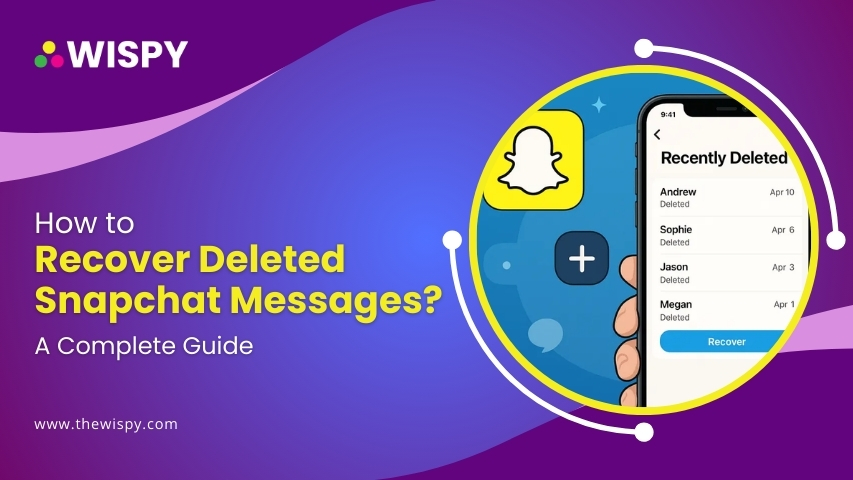
Snapchat is designed for temporary messaging, where chats and snaps disappear once viewed. But what if you need to recover deleted messages on Snapchat—whether for personal reasons, legal needs, or simple curiosity?
Good news! Even though Snapchat claims to permanently delete messages, there are workarounds that can help you find, check, or retrieve deleted Snapchat messages.
In this guide, we’ll cover how to recover deleted messages from Snapchat, how to see deleted Snapchat conversation history, and what steps you can take using Snapchat data recovery tools, app settings, and cached data.
Why Snapchat Deletes Messages by Default?
Snapchat’s disappearing feature is what made it unique. Here are some Snapchat features.
- One-on-one chats disappear after you leave the conversation.
- Group chats are deleted after 24 hours.
- Snaps delete after being viewed (unless saved).
However, some data isn’t instantly erased—it remains in the cache or Snapchat’s servers temporarily.
That’s the breaking point that can help you spy on Snapchat messages of someone.
How to Recover Deleted Messages on Snapchat – 6 Effective Methods
1. Use the “My Data” Feature on Snapchat
Snapchat allows you to download a copy of your account data—including message history.
- Go to accounts.snapchat.com and log in.
- Select “My Data”.
- Scroll down and request data.
- Within minutes to hours, you’ll get a download link via email.
- Open the ZIP file and check for message history, chats, friends, and media logs.
Best for: Those who want to retrieve old chats that may have been cleared but still stored in Snapchat’s servers.
2. Recover Snapchat Deleted Messages Using Device Cache
If you haven’t cleared your app cache or storage, deleted messages may still be present in your device files.
On Android:
- Open File Manager > Internal Storage > Android > Data > com.snapchat.android > Cache.
- Search for .nomedia files. Rename to readable extensions (e.g., .jpg, .txt) to view data.
On iPhone:
- Requires a third-party iPhone data recovery tool or an iTunes/iCloud backup.
Note: This works best soon after messages are deleted and before Snapchat’s memory cache is cleared.
3. Check Snapchat Chat History Saved in Conversations
Sometimes, messages are saved accidentally or intentionally within the chat window.
Here’s how to check:
- Open Snapchat > Chat tab.
- Tap a conversation.
- Look for grey-highlighted messages — these are saved.
- Tap and hold any message to save it if it’s still visible.
Even if a message was set to disappear, it may still be retrievable if the other person saved it.
4. Use TheWiSpy (for Android)
Third-party apps can help you recover deleted messages on Snapchat—but they need full access.
TheWiSpy is an app that allows you to record Snapchat activity of your target user. You can access the recorded data via TWS dashboard. It’s a piece of cake.
TWS app can scan your device storage for deleted cache files, including media and chats from apps like Snapchat.
Caution: You have to install TheWiSpy app on the target person’s phone physically. It only takes 5 minutes but it’s a worthy app.
5. Restore Deleted Snapchat Messages from Cloud Backups
If your device is synced to Google Drive (Android) or iCloud (iOS):
- Restore a previous backup (date before deletion).
- Reinstall Snapchat and log in.
- Re-check chat logs, memories, or media.
Limitations: Restoring a backup will reset your phone to that point. Back up current data first.
6. Ask the Other Person in the Chat
If it’s a conversation between you and someone else, you can:
- Ask if they saved the chat.
- Request screenshots or logs if available.
Sometimes, the easiest way to retrieve deleted Snapchat messages is to simply ask.
FAQs
How to see deleted Snapchat conversation history?
Use TheWiSpy app. TWS will help you restore deleted Snapchat messages in real-time.
How to check deleted messages on Snapchat?
You can check saved messages in chats or request your Snapchat data via accounts.snapchat.com.
Can you recover deleted Snapchat messages after 30 days?
It’s unlikely unless you have backups or saved them. Snapchat servers don’t retain messages long-term.
Final Thoughts
While Snapchat promotes privacy through disappearing messages, it doesn’t mean your data is gone forever. Whether you want to recover deleted Snapchat messages, check cached files, or explore your account’s hidden data, these methods can help you.
If you regularly need access to deleted messages, consider using a Snapchat monitoring app like TheWiSpy or enabling periodic data downloads from Snapchat’s portal.
Protect your digital trail—because sometimes, what disappears shouldn’t stay gone.

Related Posts
How to See Someone’s Location on iPhone? (Without Invading Privacy)
In today's connected world, location sharing has become a normal...
Read More
How to See Deleted Instagram Posts? TheWiSpy Complete 2025 Guide
With over 2 billion users globally as of 2025, Instagram...
Read More
How to Recover Deleted Instagram Messages? Everything You Need to Know
Direct Messages (DMs) are an integral part of the Instagram...
Read More
Install TheWiSpy Monitor App Now and Start Exploring Your Kid’s and Employee’s Digital Space
- Protect Your Kids
- Secure Your Business
- Backup Personal Data

 Affiliate Login
 Spanish